

Catering orders that arrive ready to invoice.
Office managers book platters and buffets on your own page, with the notice you need. You confirm each one. Your regular companies pay on account, and the reminders go out without you.
- Orders with your notice, your delivery area and your minimum
- Every booking confirmed by you first
- Invoices, reminders and monthly statements sent for you
No card. No contract. Choose Catering when you sign up.
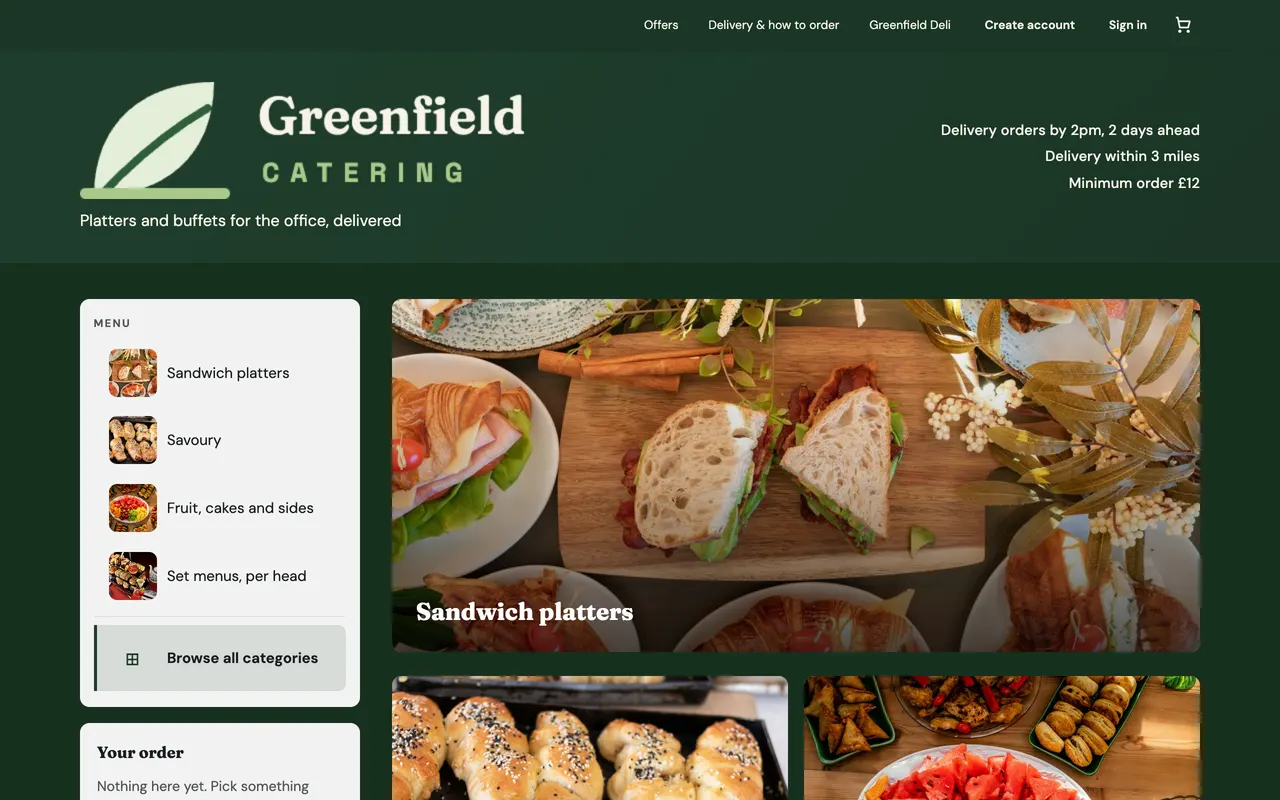
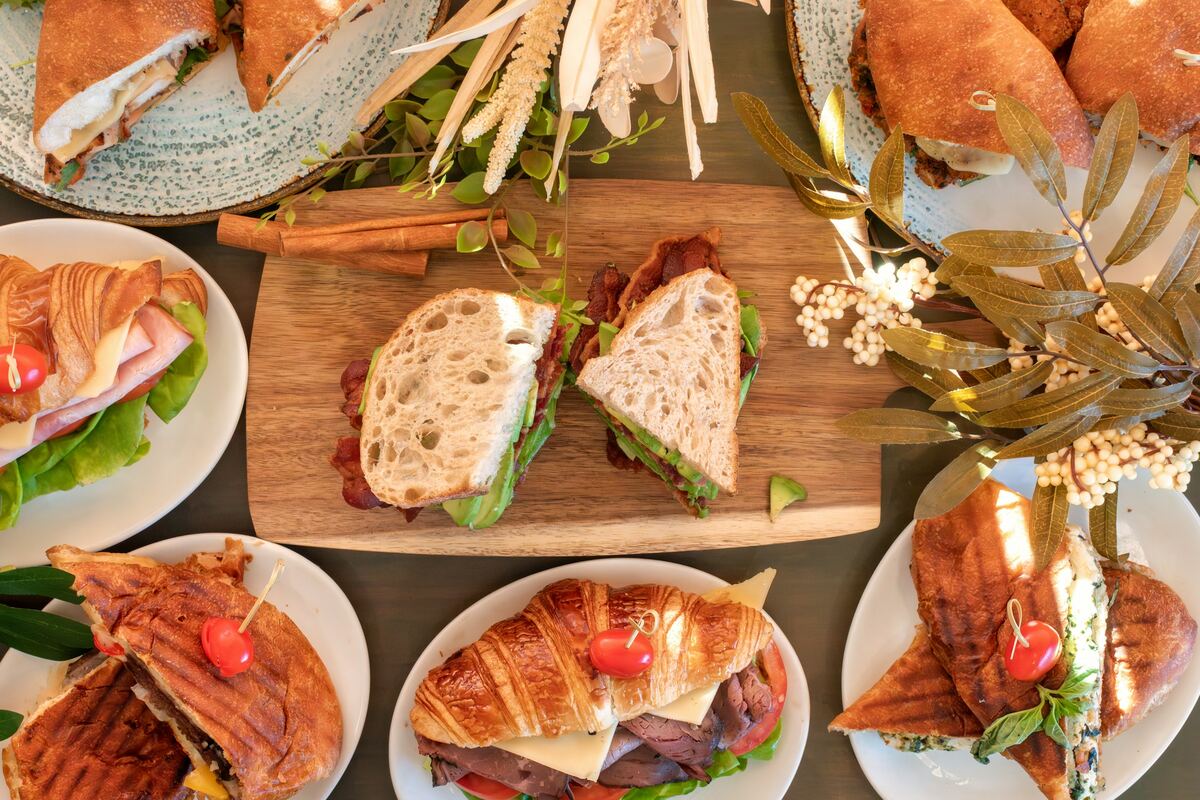
Orders with notice
Thursday's buffet, booked by Tuesday.
Set the days of notice you need and the time orders must be in by. The date picker only offers days you can still make, so a request never lands for tomorrow morning.
How a booking goes
From the office manager's order to money in the bank
They order
The date, the time it should arrive, the company and their PO number, with the platters. Up to 30 days ahead to start with.
You say yes
You get an email, and a notification on the Pekkish app. Accept it, or decline with a reason they're sent in your words.
It's booked
A card order gets a link to pay by a deadline. An account order is booked at once, and its invoice goes with the confirmation.
You get paid
They pay by card from the invoice, or by bank transfer you mark as paid. Reminders and statements go out on their own.
Confirming orders
Every booking is one you've said yes to
A catering order is a request until you accept it. Nothing is made and nothing is charged until you answer, and the customer is told they're waiting.
Fully booked on the 9th? Decline with a reason, like "the day after would be fine", and they're sent your words. If you'd rather orders came straight through, switch the request step off.
Paying by invoice
Invoices that chase themselves
Accept an order on account and the invoice is raised there and then, numbered in sequence for your shop. It goes as a PDF with the confirmation, copied to the company's accounts email.
They pay by card from the invoice or by bank transfer, which you mark as paid. If it's still unpaid on the due date, they get a reminder that day and up to two more, a week apart, and you're told once.
On the 1st of each month, every company you invoiced gets a statement of what's paid and what's owed.
Company accounts
Regular companies, set up once
Set up each business you supply as an organisation: billing address, accounts email, payment terms (14 days unless you change it) and a standing PO number.
Give it the company's email domain and new staff can ask to join once they've confirmed their address. The company's own people approve them, because only they know who may spend the company's money.
Everyone on it sees the company's orders, invoices and statements, and any of them can pay a bill. At checkout they're never asked for a company name.
Menus
Buffets priced per head, totted up for them
Mark a buffet as priced per person and the customer chooses how many people, with the total worked out as they go. The order reads "Lunch buffet for 20 people", on the kitchen sheet too.
Start from a ready-made menu of platters, or photograph your printed menu and Pekkish reads it in for you to check.
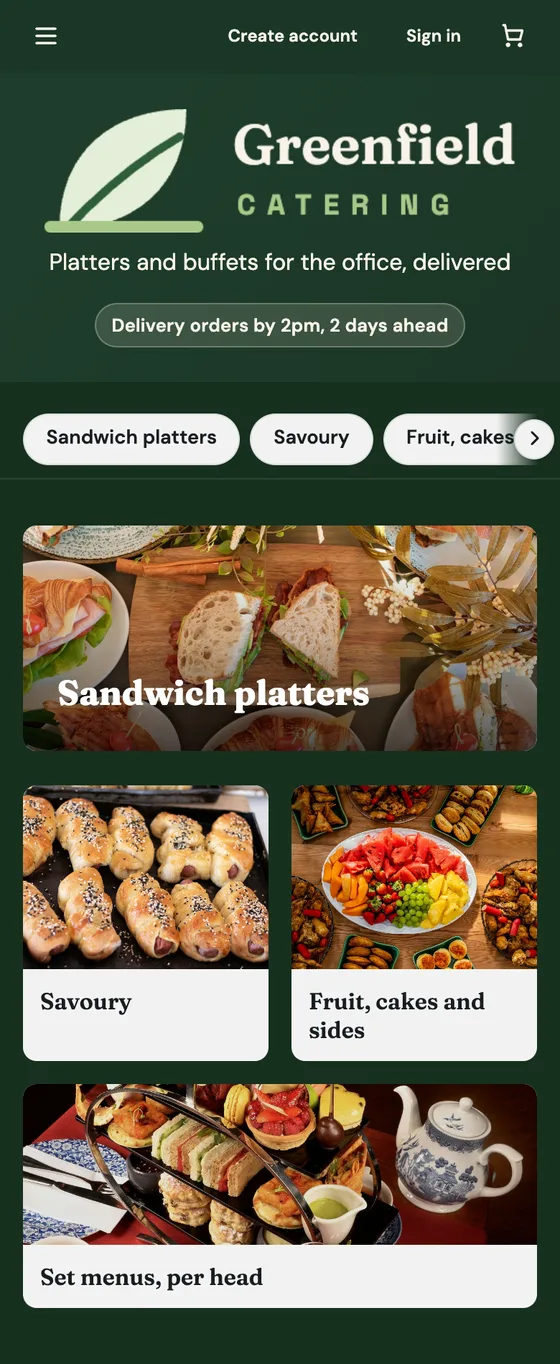
Delivery and VAT
Every order worth the drive, and VAT done properly.
Delivery area by distance
Addresses within 10 miles of your kitchen are accepted to start with. Set a limit and anything further is turned away.
Delivery charges your way
Charge by distance, flat or in bands, with free delivery over an amount if you like. Set a minimum order too.
The facts up front
Your page shows the notice, delivery area, charge and minimum up front, so an office manager knows before they start.
VAT on everything
Enter prices ex-VAT. Customers see "+ VAT", every receipt shows it, and invoices carry your VAT number.
A clear sheet for the kitchen
Each order prints on A4 with the platters, quantities, delivery time and the company it's for. Print from any browser, or on Pro have each one print itself once it's booked.
Your lunch trade, alongside
Run a lunch shop too? Set up a second shop for it and link the two, so each storefront points to the other. One sign-in covers both.
Every detail, step by step
Notice, confirming orders, organisations, invoices and VAT, in the guide. Catering: platters, buffets and business customers
See pricing or open the example shops. You can start for free, with no contract and no card.

Your first order is ten minutes away.
Build a menu, share the link, then start taking orders. Nothing to install and nothing to cancel.